SYZYGY. Where raw footage meets the finish line. Reliable, fast, and thoughtful video post-production for teams that ship content regularly.
Services we offer
Short-Form Video Editing
Editing for reels, shorts, and other vertical videos optimized for social media platforms.
Long-Form Video Editing
Editing for YouTube videos, interviews, podcasts, presentations, and educational content.
Talking-Head Video Editing
Clean and structured edits for educational, commentary, or presentation-style videos with improved pacing and clarity.
Subtitles & Captions
Clear, readable captions designed for social media viewing and accessibility.
Content Trimming & Pacing
Removing pauses, filler sections, and unnecessary footage to improve flow and watchability.
Color Correction & Basic Grading
Balancing exposure, colors, and tone for a clean and consistent visual look.
Audio Cleanup
Improving dialogue clarity by reducing background noise and balancing sound levels.
Green Screen Editing
Clean background replacement and compositing for presentation or educational videos.
Motion Graphics Integration
Simple animated elements such as titles, lower thirds, icons, and highlight graphics.
Animated Subtitles
Dynamic captions designed to improve readability and viewer attention.
Brand Elements
Integrating logos, colors, and brand visuals into your videos for consistency.
Podcast Clip Creation
Converting podcast recordings into short clips for social media distribution.
Educational Micro-Content
Transforming long explanations into short, clear educational videos.
Multi-Platform Formatting
Preparing videos for vertical, square, or horizontal platforms.
Masking & Object Tracking
Highlighting or isolating specific elements within a frame for better visual explanation.
Selective Rotoscoping
Cutting out subjects or objects for simple visual effects or emphasis.
Screen Recording Integration
Editing tutorials, demos, or presentations with screen capture footage.
Long-to-Short Video Repurposing
Turning long videos into multiple short clips for social media.
Multi-Clip Content Packages
Creating several pieces of content from a single recording session.
Short-Form Video Editing
Editing for reels, shorts, and other vertical videos optimized for social media platforms.
Long-Form Video Editing
Editing for YouTube videos, interviews, podcasts, presentations, and educational content.
Talking-Head Video Editing
Clean and structured edits for educational, commentary, or presentation-style videos with improved pacing and clarity.
Subtitles & Captions
Clear, readable captions designed for social media viewing and accessibility.
Content Trimming & Pacing
Removing pauses, filler sections, and unnecessary footage to improve flow and watchability.
Color Correction & Basic Grading
Balancing exposure, colors, and tone for a clean and consistent visual look.
Audio Cleanup
Improving dialogue clarity by reducing background noise and balancing sound levels.
Green Screen Editing
Clean background replacement and compositing for presentation or educational videos.
Motion Graphics Integration
Simple animated elements such as titles, lower thirds, icons, and highlight graphics.
Animated Subtitles
Dynamic captions designed to improve readability and viewer attention.
Brand Elements
Integrating logos, colors, and brand visuals into your videos for consistency.
Podcast Clip Creation
Converting podcast recordings into short clips for social media distribution.
Educational Micro-Content
Transforming long explanations into short, clear educational videos.
Multi-Platform Formatting
Preparing videos for vertical, square, or horizontal platforms.
Masking & Object Tracking
Highlighting or isolating specific elements within a frame for better visual explanation.
Selective Rotoscoping
Cutting out subjects or objects for simple visual effects or emphasis.
Screen Recording Integration
Editing tutorials, demos, or presentations with screen capture footage.
Long-to-Short Video Repurposing
Turning long videos into multiple short clips for social media.
Multi-Clip Content Packages
Creating several pieces of content from a single recording session.
Short-Form Video Editing
Editing for reels, shorts, and other vertical videos optimized for social media platforms.
Long-Form Video Editing
Editing for YouTube videos, interviews, podcasts, presentations, and educational content.
Talking-Head Video Editing
Clean and structured edits for educational, commentary, or presentation-style videos with improved pacing and clarity.
Subtitles & Captions
Clear, readable captions designed for social media viewing and accessibility.
Content Trimming & Pacing
Removing pauses, filler sections, and unnecessary footage to improve flow and watchability.
Color Correction & Basic Grading
Balancing exposure, colors, and tone for a clean and consistent visual look.
Audio Cleanup
Improving dialogue clarity by reducing background noise and balancing sound levels.
Green Screen Editing
Clean background replacement and compositing for presentation or educational videos.
Motion Graphics Integration
Simple animated elements such as titles, lower thirds, icons, and highlight graphics.
Animated Subtitles
Dynamic captions designed to improve readability and viewer attention.
Brand Elements
Integrating logos, colors, and brand visuals into your videos for consistency.
Podcast Clip Creation
Converting podcast recordings into short clips for social media distribution.
Educational Micro-Content
Transforming long explanations into short, clear educational videos.
Multi-Platform Formatting
Preparing videos for vertical, square, or horizontal platforms.
Masking & Object Tracking
Highlighting or isolating specific elements within a frame for better visual explanation.
Selective Rotoscoping
Cutting out subjects or objects for simple visual effects or emphasis.
Screen Recording Integration
Editing tutorials, demos, or presentations with screen capture footage.
Long-to-Short Video Repurposing
Turning long videos into multiple short clips for social media.
Multi-Clip Content Packages
Creating several pieces of content from a single recording session.
A Simple Workflow
From a few videos to large ongoing batches, our workflow is designed to stay calm, consistent, and reliable as volume grows.
INPUT & CONTEXT
STRUCTURE & PREP
EDITING & ASSEMBLY
REVIEW & ITERATION
DELIVERY
1. INPUT & CONTEXT
We receive raw footage, references, and clear instructions. Scope and expectations are confirmed before work begins.
2. STRUCTURE & PREP
We organize footage, timelines, and assets to ensure a clean, efficient editing workflow.
3. EDITING & ASSEMBLY
The video is edited according to the agreed structure, references, and requirements. No creative deviation without approval.
4. REVIEW & ITERATION
Feedback is incorporated methodically. Revisions are handled cleanly without disruption to the workflow.
5. DELIVERY
Final files are delivered in the required formats, ready for use.
Tools We Use


Professional tools for professional results
View Broader Projects
From instructional content to high-retention short-form, we adapts across niches.
We also offer VO and Dubbing services
All Male Characters (Fevicol Ad)
Paresh Rawal (Hungama) Hindi
Mickey Mouse English
The People Behind Syzygy
Syzygy was built by Naveen Patha and Priyanshu Srivastava. College mates turned long-term collaborators, with a combined decade of hands-on experience in video editing, post-production workflows, and execution-heavy projects. That experience has been streamlined into a team built for reliable delivery, quality, and scale.
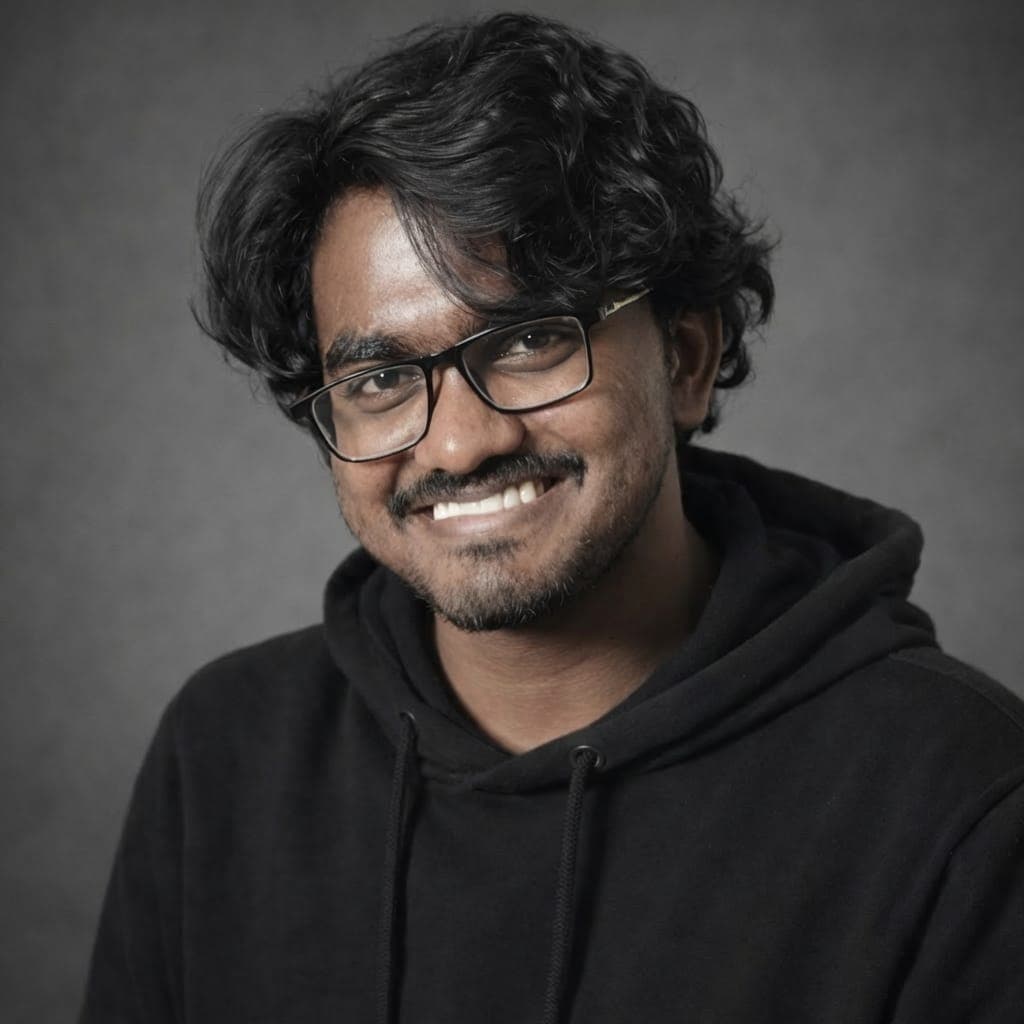
Naveen Patha
Co-Founder | Brand and Direction
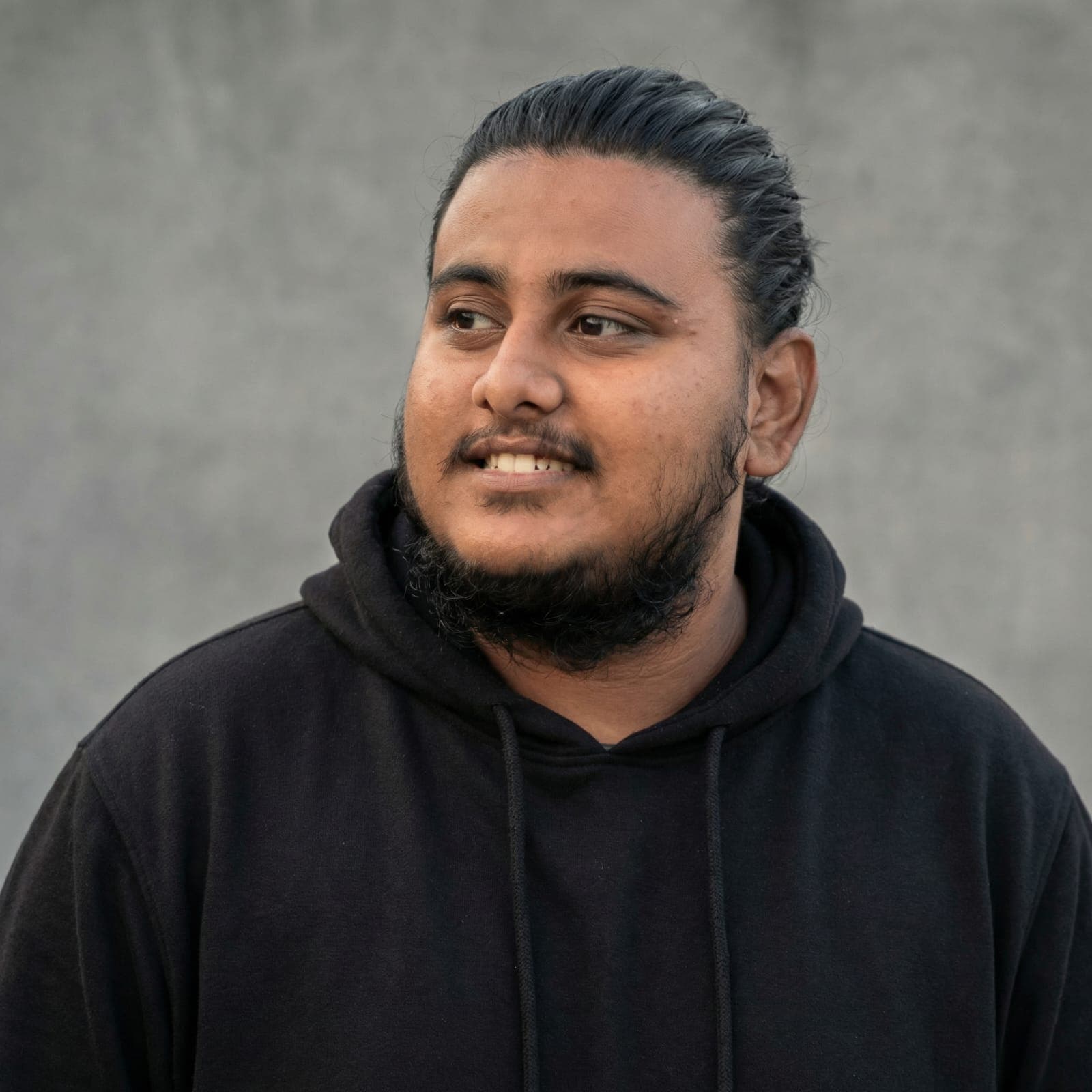
Priyanshu Srivastava
Co-Founder | Design and Post Production
Get in Touch
For inquiries related to video post production, samples, or workflow alignment.
Email to
syzygy.teams@gmail.comOr Call Us At
+91 91753 42316